Connect roast to cup.
Omni measures whole bean and ground color and the grind distribution, so you can see how a darker or lighter roast changes the way a coffee grinds and brews.
Every batch, read hot.

Drag to turn it
Pour it hot. Read it.
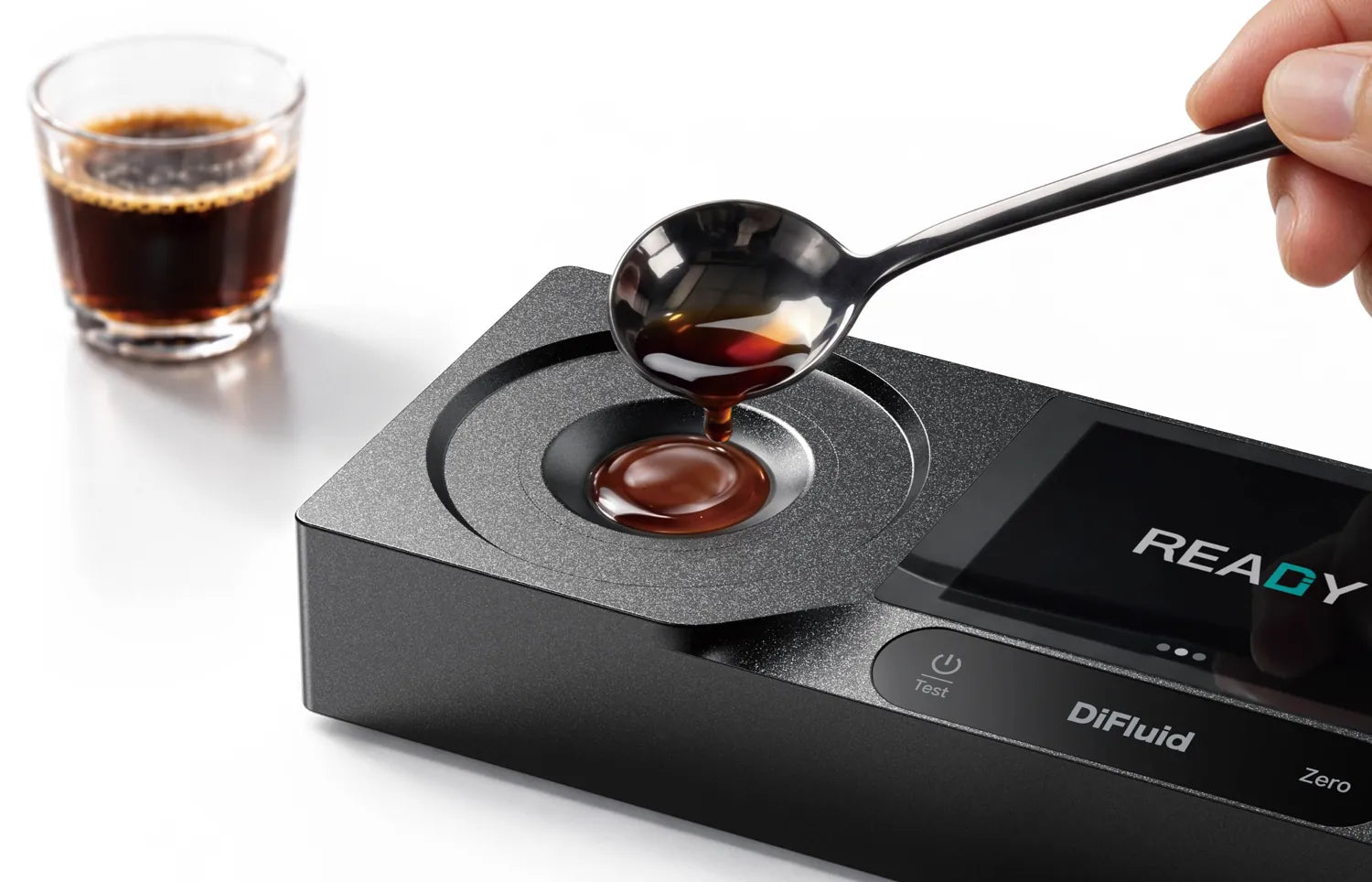
RS Extract
Strength and extractionTDS from 4 to 65 °C with ±0.02% repeatability, so a sample is read at the temperature it is. Extraction and the brew control chart are on its 3.5″ color touchscreen, with 500 readings kept on the device.
Microbalance Ti
Dose, yield and flowDose, yield and flow rate, updated every second, with a 3,000 g capacity and an anti-vibration mode for weighing on an espresso machine.
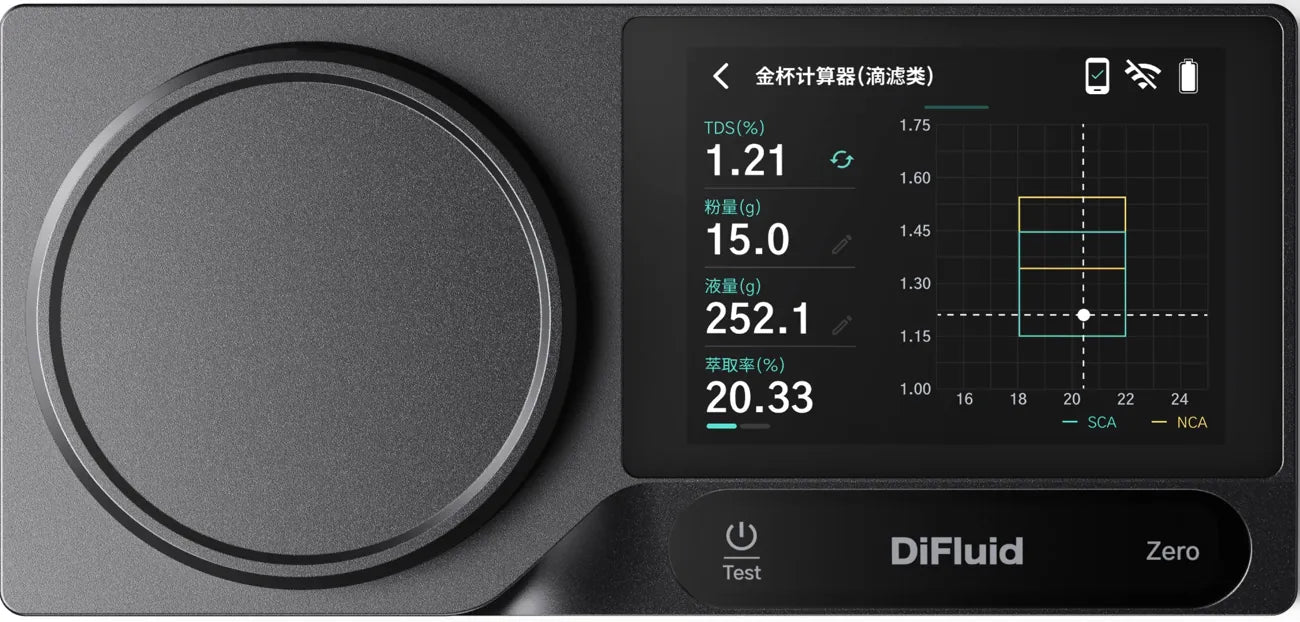
Try a dial-in.
Inside the SCA box: 1.21% TDS at 20.33% extraction. Try a change and watch the point move.
Example brew. Dose and beverage weight from Microbalance Ti, TDS from RS Extract.
From roaster to cup.
Inside and outside.
Omni measures roast color on whole beans and on grounds. In CoffeeOS, the Roast Color Analyzer compares the two. A small gap between them, the roast delta, means heat reached the center of the bean evenly.
A darker roast grinds differently.
A sharp burr cuts a bean cleanly. A blunt one crushes it, and cracks run through the pieces into fines. A dark roast, a decaf or a dry Ethiopian bean is more brittle, so it crushes more at the same setting.
Fines slow the water down: halve the finest part of the grind and the bed drains at about a quarter of the speed. That is why a new roast can stall a pour you have made a hundred times.
Grind coarser and the main peak moves with the setting. The fines peak stays where it is and only changes height. The Particle Analyzer in CoffeeOS shows D10, D50 and D90 from every Omni reading.
Medium roast, 60 Agtron whole bean.
Fines at your usual setting, measured as D10.
Flow rate through the bed, every second of the pour.
Extraction in the cup, read hot.

Roast color and grind distribution, so you can see how the roast and the grinder shape what RS Extract measures.
Your notes, in their cup.
Taste by Temperature.
Moment is a stand about a foot tall. The cup goes on its base, and the screen above shows the flavor notes for the temperature the cup has cooled to, from a profile written by a roaster, a barista or you.
Example profile, washed Ethiopia.

Taste by Temperature: the flavor notes for each stage, shown as the cup cools.
Cupping notes, on the bean.
Cupping Manager is coming to CoffeeOS. Score a coffee on SCA, CVA or SCI forms, or on pour over and cold brew cupping forms, alone or with a whole table. Scores and notes are saved to the bean in Bean Manager, where you can link them to the brew, the roast color and the grind behind each cup.
With Moment, a session moves through temperature zones as the cups cool, so everyone tastes at the same stage.
- RS ExtractStrength and extraction, read from 4 to 65 °C.
- Microbalance TiDose, yield and flow rate for every brew.
- MomentTaste by Temperature, stage by stage.
- OmniRoast color and grind distribution.