Color Meters
Why do you need one?
A color meter shows how dark your coffee is by measuring its color under controlled lighting with specific wavelengths of light.
Some meters use simple sensors to measure the overall average color of the sample. Others use high-resolution sensors to analyze the sample in more detail, showing how even or uneven the roast color is across the surface.
Omix Plus
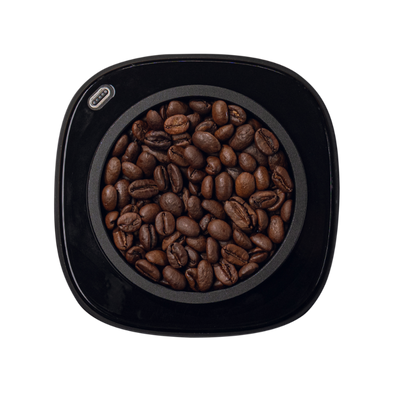
Omni
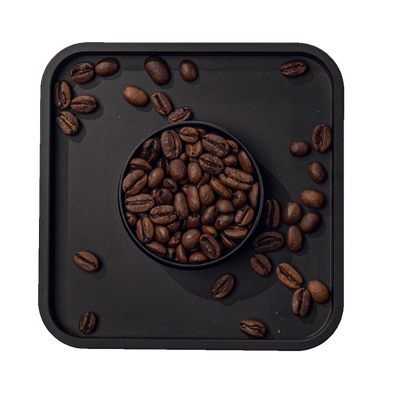
CoffMeter A1
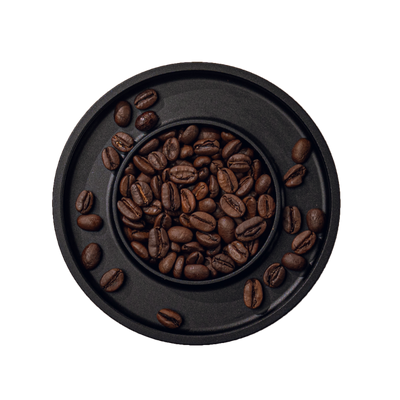
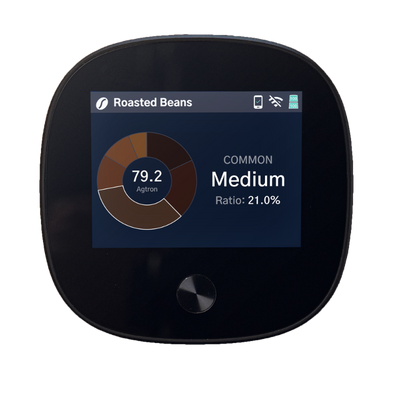
Scanning Color Meter
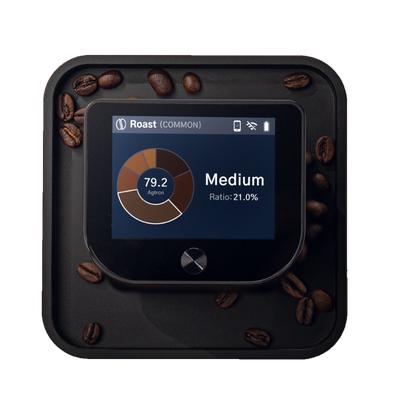
Scanning Color Meter
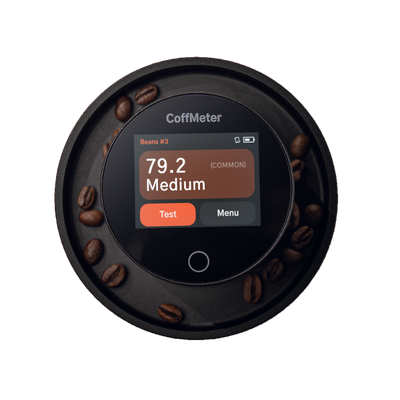
Single Point Color Meter
In a sample like this, it’s hard to judge roast evenness by eye. A scanning color meter reveals far more detail than you can see visually.


Here the roast non-uniformity is very obvious. To Omix Plus and Omni, this is how all samples look.
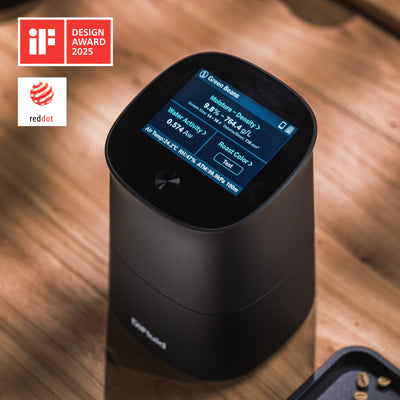
Omix Plus
Everything in one
$2,599.00

3.5" Touch Screen, 640x320

Color Testing
Distribution histogram
Near-infrared (NIR) imaging
Uneven roast detection
--
18-20 gram sample

Coffee Quality Testing
Water Activity
Moisture Content
Bulk Density
True Density (Est.)
Screen Size
Diameter (Avg)
Volume/Bean (Avg.)
Air Temperature
Humidity
Atmospheric Pressure
Altitude
—

CoffeeOS
Color Analyzer*
Quality Analyzer*
--
--
Notes Manager
Color Analyzer*
Quality Analyzer*
--
--
Notes Manager
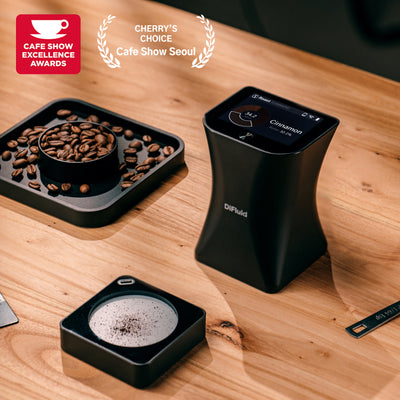
Omni
Color Meter & Particle Analyzer
$899.99
2.8" Touch Screen, 320x240
Color Testing
Distribution histogram
Near-infrared (NIR) imaging
Uneven roast detection
--
15-17 gram sample
—

Particle Size Testing
100-2500µm detection
Distribution histogram
CoffeeOS
Color Analyzer
--
--
Particle Analyzer
Notes Manager
Color Analyzer
--
--
Particle Analyzer
Notes Manager
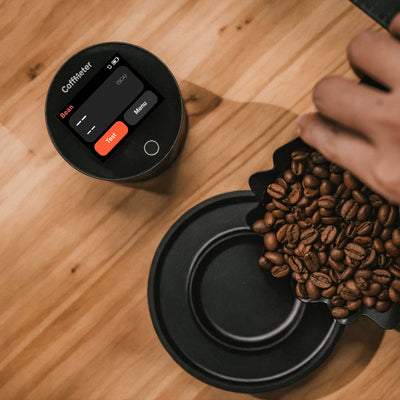
CoffMeter A1
Just a color meter
$389.99
2.3" Touch Screen, 320x240

Color Testing
--
Near-infrared (NIR) imaging
--
--
17-19 gram sample
—
—
CoffeeOS
Color Analyzer
--
--
--
Notes Manager
Color Analyzer
--
--
--
Notes Manager
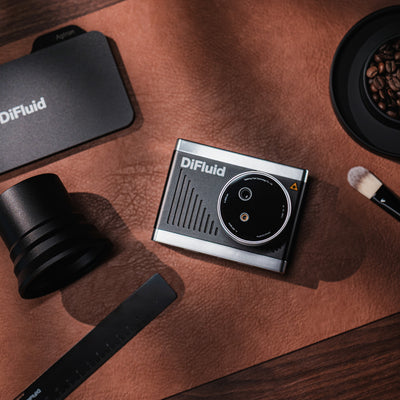
OmniFlux
Roast Monitor
$1,399.00
2.8" Touch Screen, 640x320
Color Testing
--
Near-infrared (NIR) imaging
--
Live Roast Color Curve
17-19 gram sample
—
—
CoffeeOS
Color Analyzer
--
Roast Recorder*
--
Notes Manager
Color Analyzer
--
Roast Recorder*
--
Notes Manager
*Tool not yet available. Coming later this year.